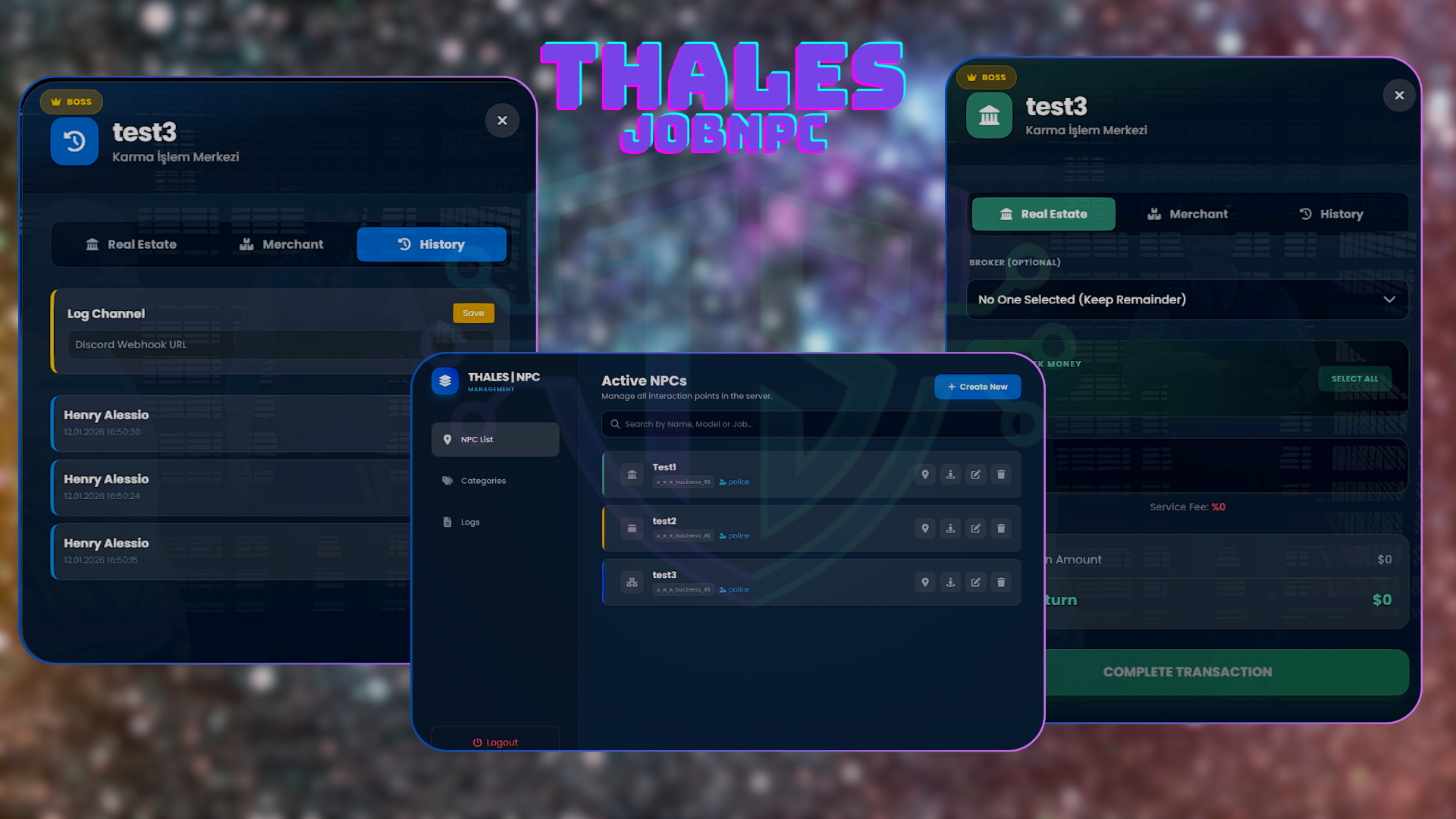
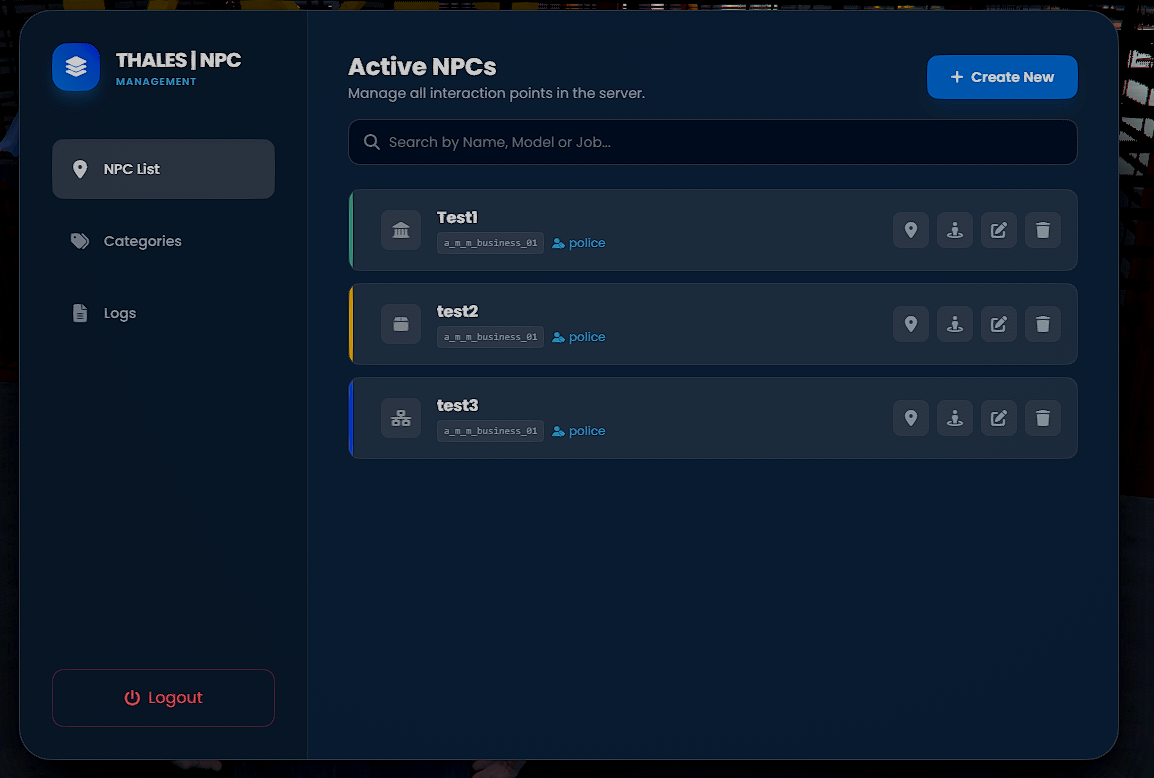
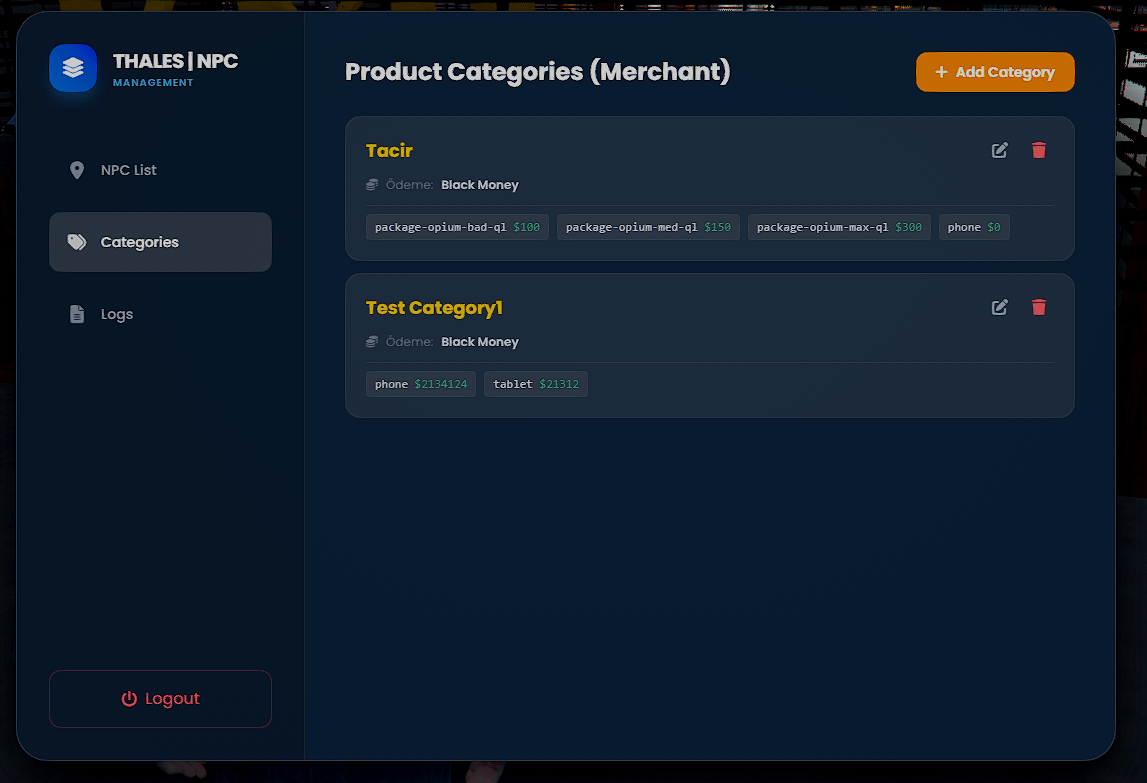
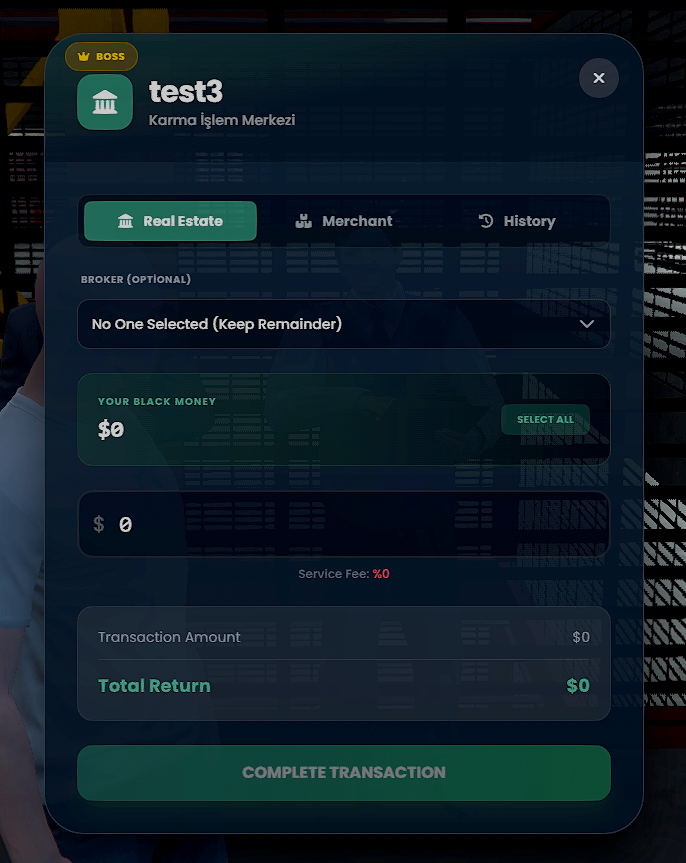
Thales Job NPC is a comprehensive solution designed to manage your server's illegal and legal economy points completely in-game. Create Money Washing spots or Item Buying centers dynamically without touching the database or restarting the server.
With its Advanced Discord Logging System, Broker (Commission) Feature, and Modern UI, it offers a premium experience for both server owners and players.
🔥 Key Features
🛠️ Dynamic In-Game Management
- Live Editor: Create, move, edit, or delete NPCs instantly using the Admin Menu.
- No Restart Needed: All changes apply immediately.
-
Dual Modes:
- 🏠 Real Estate (Money Wash): Players can wash dirty money/marked bills with configurable tax rates.
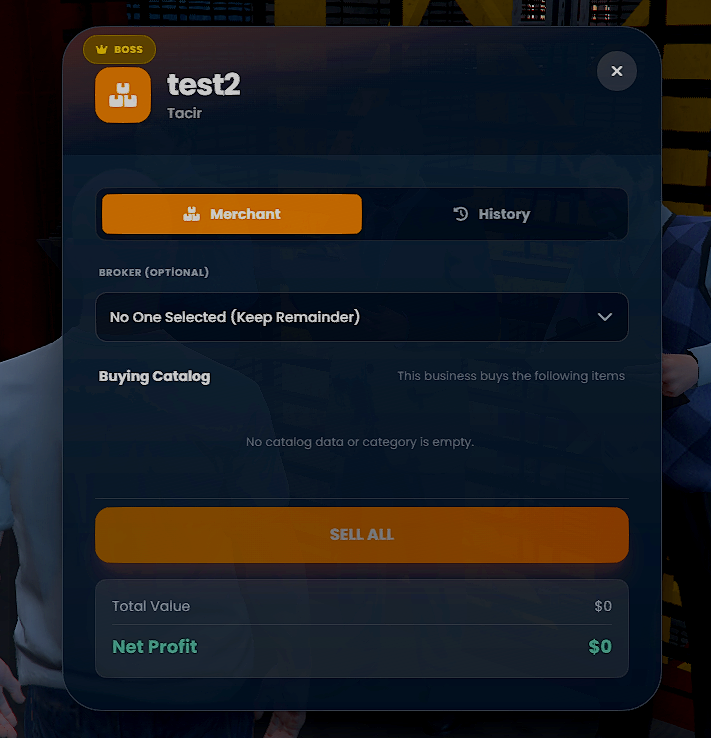
- 📦 Merchant (Item Buyer): Create buying centers for items like minerals, fish, or illegal loot. You define the price and items.
🤝 Unique "Broker" System (Roleplay Enhancer)
- Players don't have to do it alone! They can select a nearby player as a "Broker".
- The profit is split between the owner and the broker based on a custom commission percentage.
- Great for cartel, mafia, or business roleplay scenarios.
🛡️ Advanced Logging System (Discord & In-Game)
We know security is priority #1. Thales Job NPC tracks everything:
- Admin Webhooks: Logs every NPC creation, edit, or deletion action by staff.
- Boss Webhooks: Each NPC can have its own specific Webhook. Business owners can track their specific transactions in their own Discord channels.
- In-Game History: Bosses can view the last transaction logs directly inside the game UI.
🎨 Modern & Optimized
- Optimization: Runs at 0.00ms (Idle). Uses smart distance checking.
- Localization: Ready-to-use translations for EN, TR, DE, FR, ES, PT, IT, NL.
⚙️ Technical Requirements & Compatibility
- Framework: Auto-Detects ESX or QBCore.
- Target System: Supports qb-target and ox_target.
-
Inventory: Compatible with
qb-inventory,ox_inventory,qs-inventory(standard metadata support included). - Database: oxmysql.
🚀 Installation Guide
Follow these steps carefully to ensure the script works correctly.
Step 1: Download & Place
Download the script and place it into your resources folder.
Step 2: Configuration
Open config.lua and adjust the settings to your liking:
-
Framework: Set to
"auto"(recommended). -
Target: Choose
"qb-target"or"ox_target". -
AdminGroup: Set the permission group (e.g.,
"admin","god").
Step 3: Database (SQL)
Import the provided .sql file (if included) to your database. Note: The script saves NPC data dynamically to the database.
Step 4: Server Config
Add the following line to your server.cfg:
ensure Thales-JobNpc